
Selling
Menu visuals grounded in real dishes
Explore AI menu visuals from photos of your real dishes, then check portions and ingredients before adding prices in a layout tool.
Who it's for
Café and restaurant owners updating printed or delivery menus.
What you get
Reviewed dish image concepts ready for a menu layout with editable names and prices.
Who does what
1You
Photograph actual servings and provide ingredients, portion details, and current prices.
2Your agent
Suggest backgrounds and framing, request image samples, and keep menu text outside the generated image.
3Muse4AI
Generate dish presentation concepts from your references through Muse.
Prompt to give your agent
Use these photos of our actual noodle bowl to propose a clean menu image. Do not add toppings or enlarge the serving. Ask Muse4AI for a small sample first. Keep dish names and prices out of the image so I can add them in the menu layout.Samples made with Muse through Muse4AI
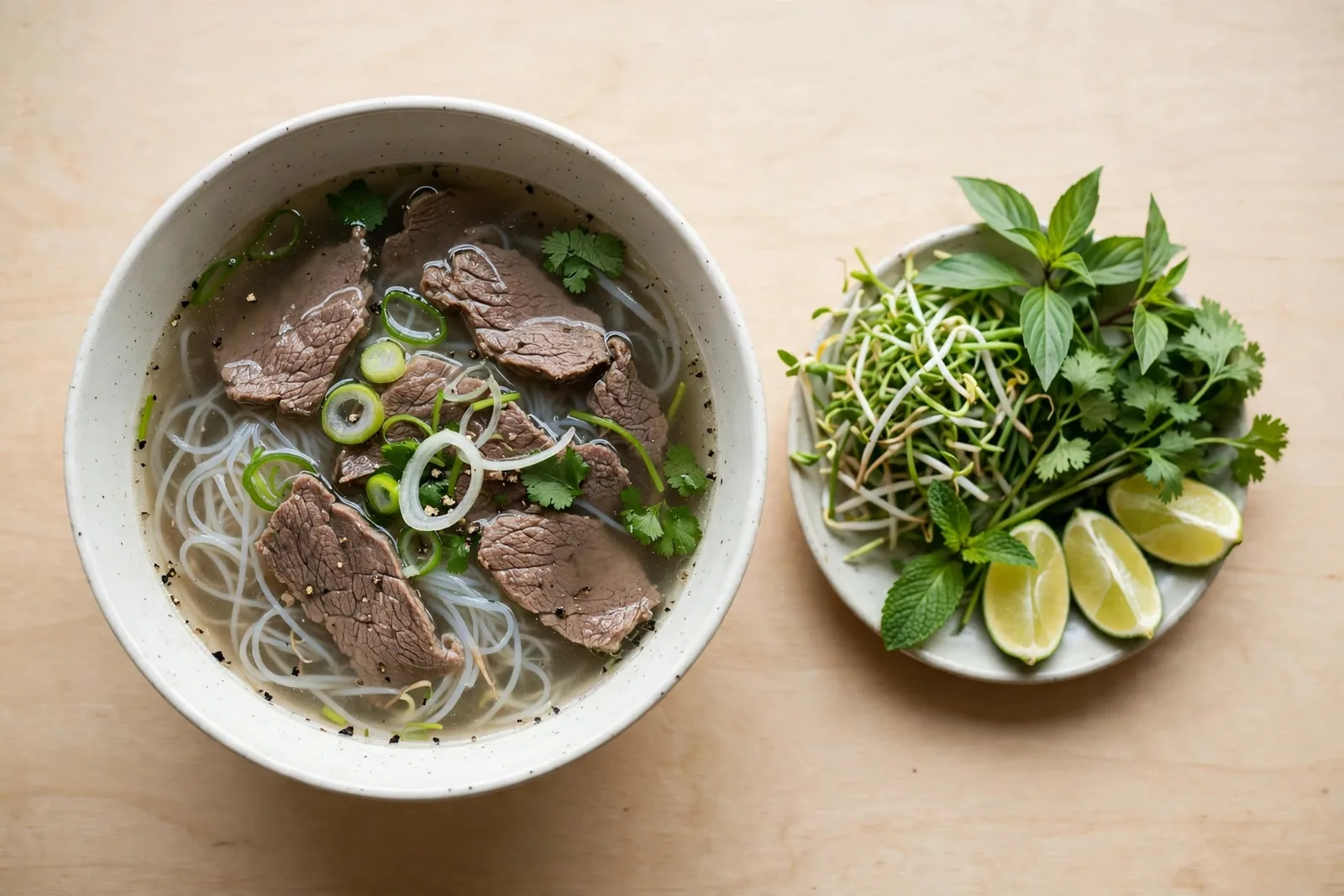 AI-generated
Limits to keep in mind
- Generation uses your own Muse account's usage limit. Review a small sample before requesting a larger batch.
- Character and product consistency is not guaranteed. Compare every result with your references before using it.
- Check ingredients, portions, and allergen information yourself. Label AI visuals and do not misrepresent the dish customers receive.