
Selling
Short ads built from approved scenes
Create short AI ad concepts with separate hooks, product scenes, and closing shots, then assemble approved clips in your editor.
Who it's for
Marketers and small businesses testing creative directions for paid ads.
What you get
Alternative ad scripts and approved scene assets for an edited short ad.
Who does what
1You
Set the audience, offer, approved claims, brand references, and platform requirements.
2Your agent
Draft distinct hooks and shot plans, then request visuals only for the direction you select.
3Muse4AI
Generate short scene clips and supporting images through your Muse account.
Prompt to give your agent
Plan a short ad for our reusable lunch box using these approved product claims. Offer two different hooks without inventing testimonials. Let me choose a direction before requesting clips through Muse4AI. Leave price, captions, and the ad disclosure for the final edit.Samples made with Muse through Muse4AI
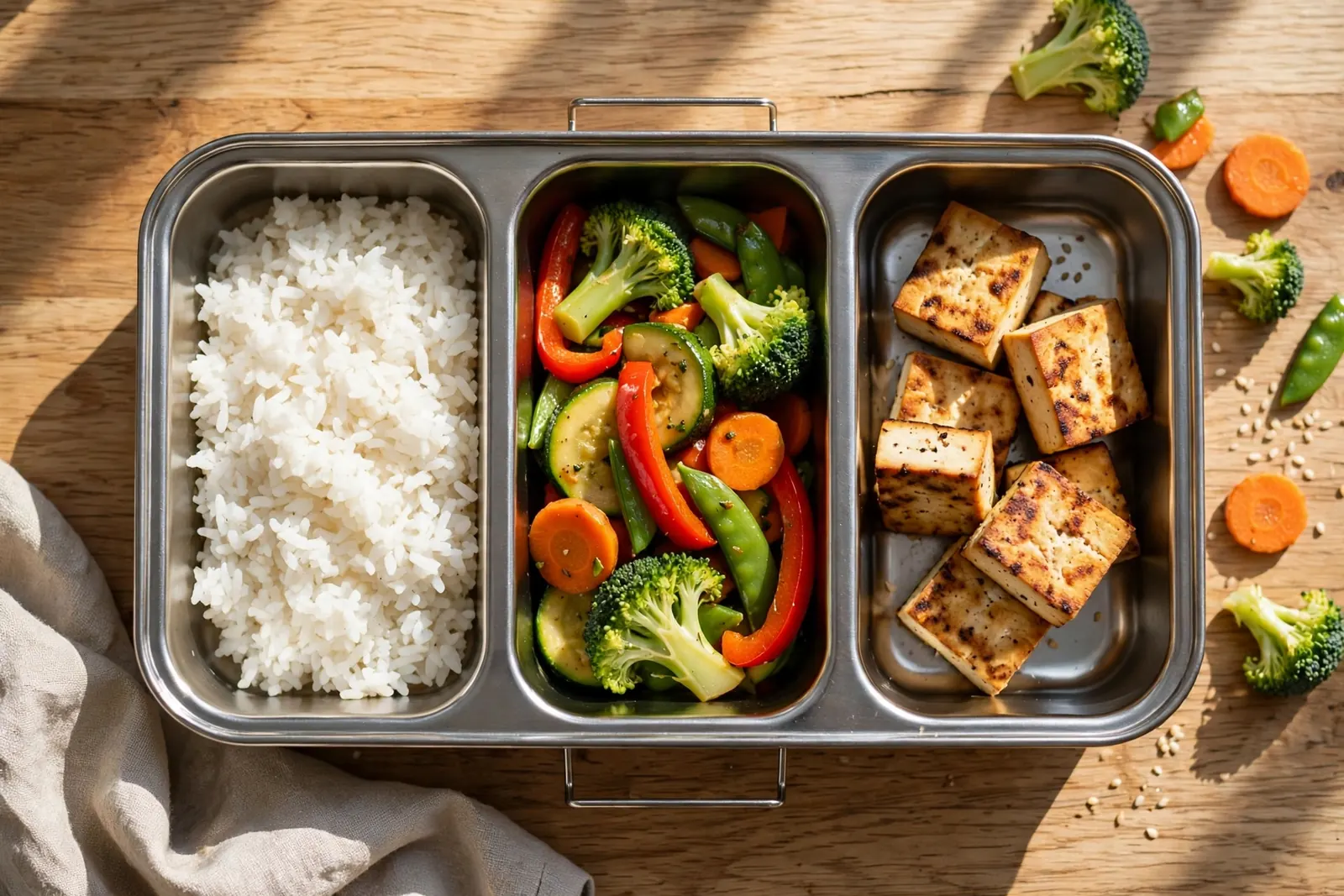 AI-generated
Limits to keep in mind
- Muse clips are about 8–10 s at 1280×720; assemble the final video in an editor such as CapCut or Remotion.
- Generation uses your own Muse account's usage limit. Review a small sample before requesting a larger batch.
- Review claims and platform ad policies yourself. Product details may drift, and ad approval is not guaranteed.
Labeling: Label AI-generated content and disclose affiliate links or ads wherever applicable under the platform's rules.