
Content creators
Thumbnail backgrounds with room for text
Create AI thumbnail background options around your video's actual topic, then add readable titles and brand elements in an editor.
Who it's for
YouTube creators and editors preparing covers for published videos.
What you get
Several reviewed background concepts ready for text, cropping, and final export.
Who does what
1You
Provide the real topic, intended title, brand references, and any photos you have permission to use.
2Your agent
Suggest distinct compositions, reserve text space, and request background variations.
3Muse4AI
Generate background images through Muse without relying on generated lettering.
Prompt to give your agent
Propose thumbnail backgrounds for my video about organizing a small desk. Keep the imagery faithful to the video and leave clear space for my title. After I choose a direction, request backgrounds through Muse4AI without text. I will add the title in my image editor.Samples made with Muse through Muse4AI
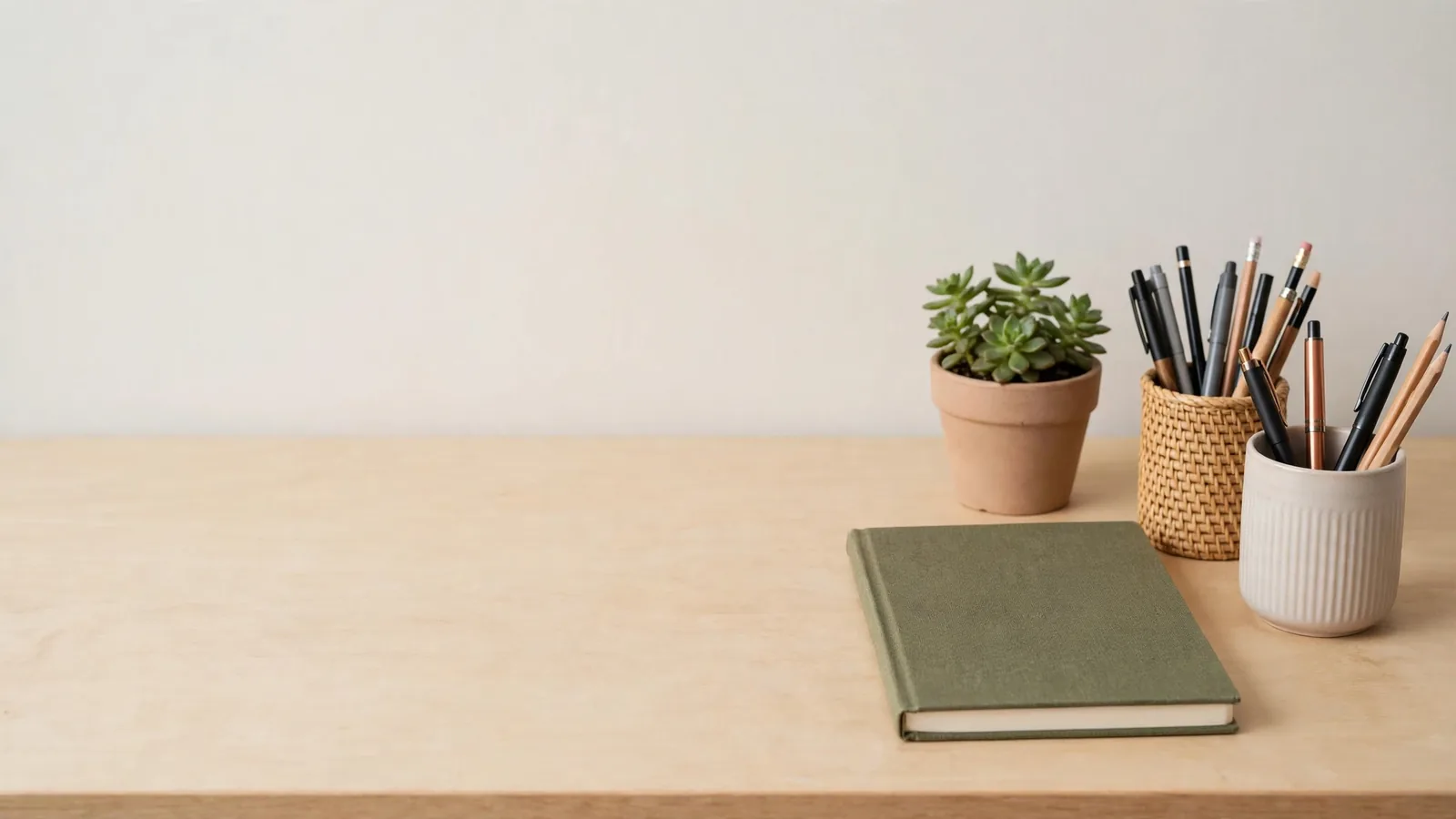 AI-generated
Limits to keep in mind
- Generation uses your own Muse account's usage limit. Review a small sample before requesting a larger batch.
- Character and product consistency is not guaranteed. Compare every result with your references before using it.
- Add readable text in an editor and check the small-screen preview. A thumbnail does not guarantee clicks or views.